
2 KiB
2 KiB
🖥️ Update Manager
Simple CLI tool to check and manage updates across multiple Ubuntu systems over SSH.
Built for Lanx environments – lightweight, fast and no unnecessary dependencies.
🚀 Features
- Check updates on multiple hosts
- Run updates remotely over SSH
- Simple config files
- No agents required
- Works with existing SSH setup
🖥️ Update Manager UI
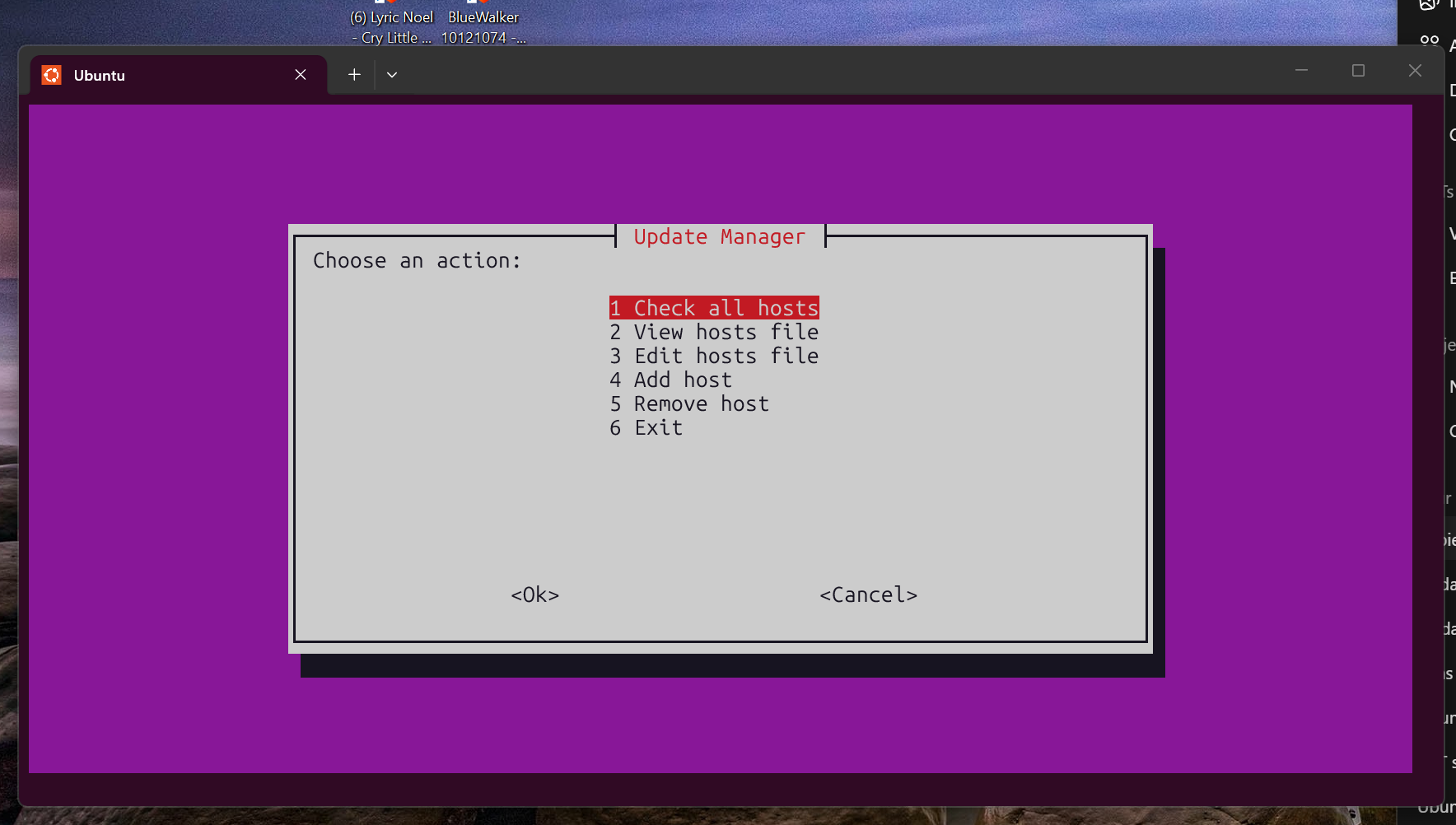
Lightweight • No dependencies • Works over SSH
⚡ Quick Install (1-minute setup)
git clone https://github.com/YOUR-USER/update-manager.git
cd update-manager

sudo mkdir -p /opt/update-manager
sudo cp update-manager.sh /opt/update-manager/
sudo chmod +x /opt/update-manager/update-manager.sh

sudo ln -s /opt/update-manager/update-manager.sh /usr/local/bin/update-manager
⚙️ Configuration
1. Copy config files
cp update-manager.conf.example update-manager.conf
cp hosts.conf.example hosts.conf
2. Edit hosts
nano hosts.conf
Example:
lanx-ai     172.16.5.135   ed
lanx-www    172.16.5.140   ed
lanx-mail   172.16.5.130   ed
▶️ Usage
Check updates
update-manager check
Run updates
update-manager update
📁 File Structure
/opt/update-manager/
├── update-manager.sh
├── update-manager.conf
├── hosts.conf
🧠 How it works
- Uses SSH to connect to each host
- Runs
aptcommands remotely - No agents or services needed
- Designed for small to medium setups
🔐 Requirements
- SSH access to all hosts
- SSH keys recommended (no password prompts)
- Ubuntu/Debian-based systems
🧩 Future ideas
- CLI menu (interactive UI)
- Web interface
- Email reporting
- Integration with monitoring systems
🦊 Author
Built with ❤️ for Lanx by NodeFox