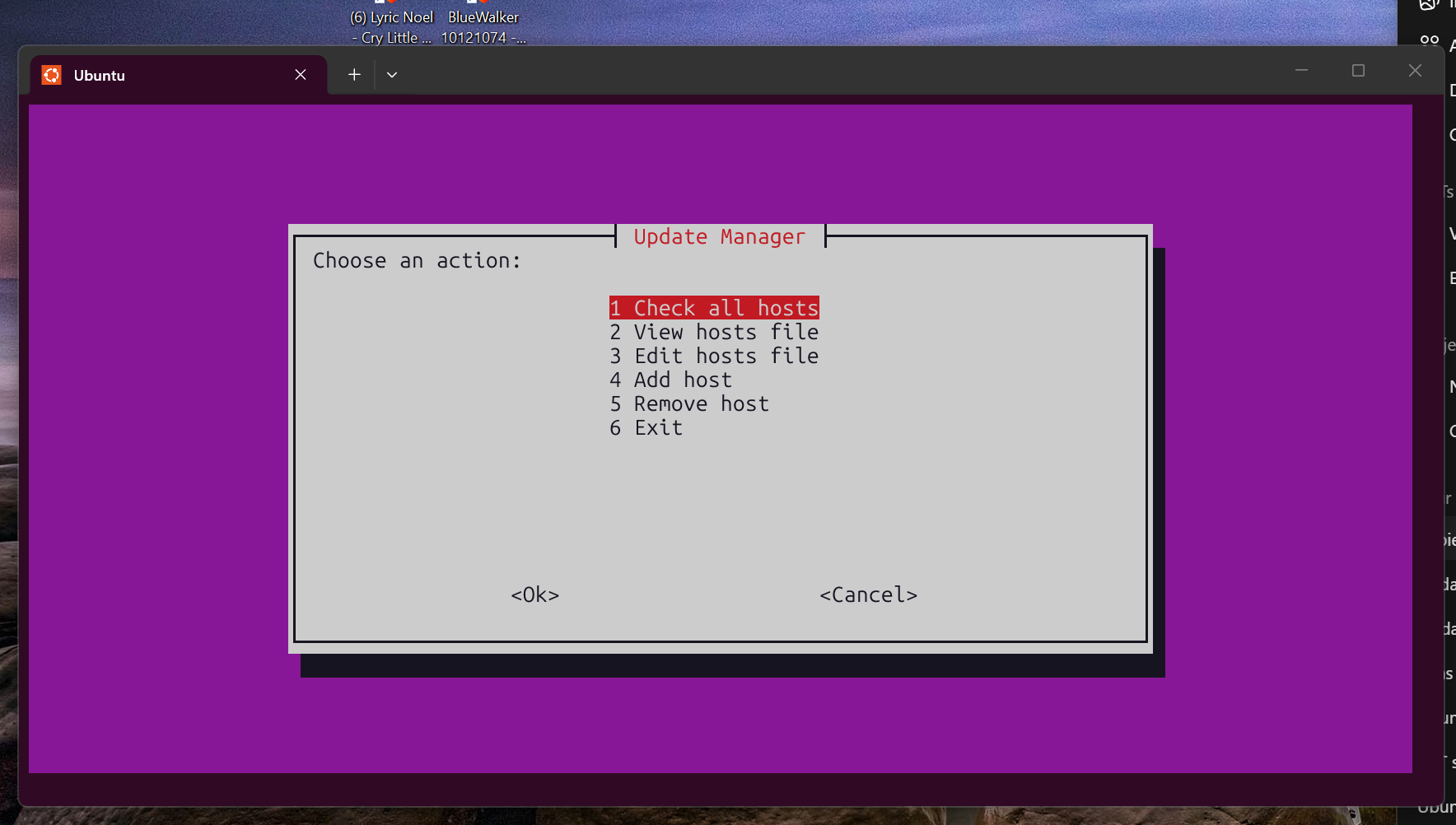
Lightweight • Terminal-based • Works over SSH
--- ## Quick Install ```bash git clone https://github.com/YOUR-USER/update-manager.git cd update-manager sudo apt update sudo apt install dialog openssh-client sudo mkdir -p /opt/update-manager sudo cp update-manager.sh update-manager-ui.sh /opt/update-manager/ sudo chmod +x /opt/update-manager/update-manager.sh sudo chmod +x /opt/update-manager/update-manager-ui.sh sudo ln -s /opt/update-manager/update-manager.sh /usr/local/bin/update-manager sudo ln -s /opt/update-manager/update-manager-ui.sh /usr/local/bin/update-manager-ui ``` --- ## SSH Setup (Required) Update Manager uses SSH to connect to your hosts. You must have SSH key-based authentication set up (no password prompts). ### Generate SSH key (if not already done) ```bash ssh-keygen -t ed25519 ``` --- ### Copy key to hosts ```bash ssh-copy-id user@192.168.1.10 ssh-copy-id user@192.168.1.20 ssh-copy-id user@192.168.1.30 ``` --- ### Test connection ```bash ssh user@192.168.1.10 ``` You should be able to connect **without entering a password**. > ⚠️ If SSH is not configured, the tool will fail or hang during execution. --- ## Configuration ### Copy config files ```bash cp update-manager.conf.example update-manager.conf cp hosts.conf.example hosts.conf ``` --- ### Edit hosts ```bash nano hosts.conf ``` Example: ```bash # name ip user server1 192.168.1.10 user server2 192.168.1.20 user server3 192.168.1.30 user ``` --- ## Usage ### Start UI ```bash update-manager-ui ``` --- ### Check updates (CLI) ```bash update-manager check ``` --- ## Logging The tool logs both to terminal and file. ### Primary location ```bash /opt/update-manager/log/update-manager.log ``` ### Fallback location ```bash ~/update-manager/log/update-manager.log ``` ### Notes * Log directory is created automatically * Log file is created automatically * Output is written to both terminal and file * Log levels: * INFO * WARN * ERROR Logs can be viewed directly from the UI. --- ## File Structure ```bash /opt/update-manager/ ├── update-manager.sh ├── update-manager-ui.sh ├── update-manager.conf ├── hosts.conf └── log/ └── update-manager.log ``` --- ## How it works * Uses SSH to connect to each host * Runs `apt` commands remotely * No agents or services needed * Designed for simple and efficient operations --- ## Requirements * SSH access to all hosts * SSH keys recommended (no password prompts) * Ubuntu/Debian-based systems * `dialog` (for UI) --- ## Future ideas * 🔔 Notifications (ntfy / push alerts) * 🌐 Web interface * 📧 Email reporting * 📜 Advanced logging / audit trail * 📊 Basic monitoring (status, last check, pending updates) * 🧩 Plugin system (extensible modules) * 🔐 Security & compliance checks * 🤖 AI integration (Lanx AI) --- ## License This project is licensed under the GNU GPL v3 License. See the LICENSE file for full details. --- ## Author Built with ❤️ for [Lanx](https://lanx.dk) by **NodeFox** 🦊 Maintained by Eddie Nielsen Feel free to contribute, suggest improvements or fork the project.